
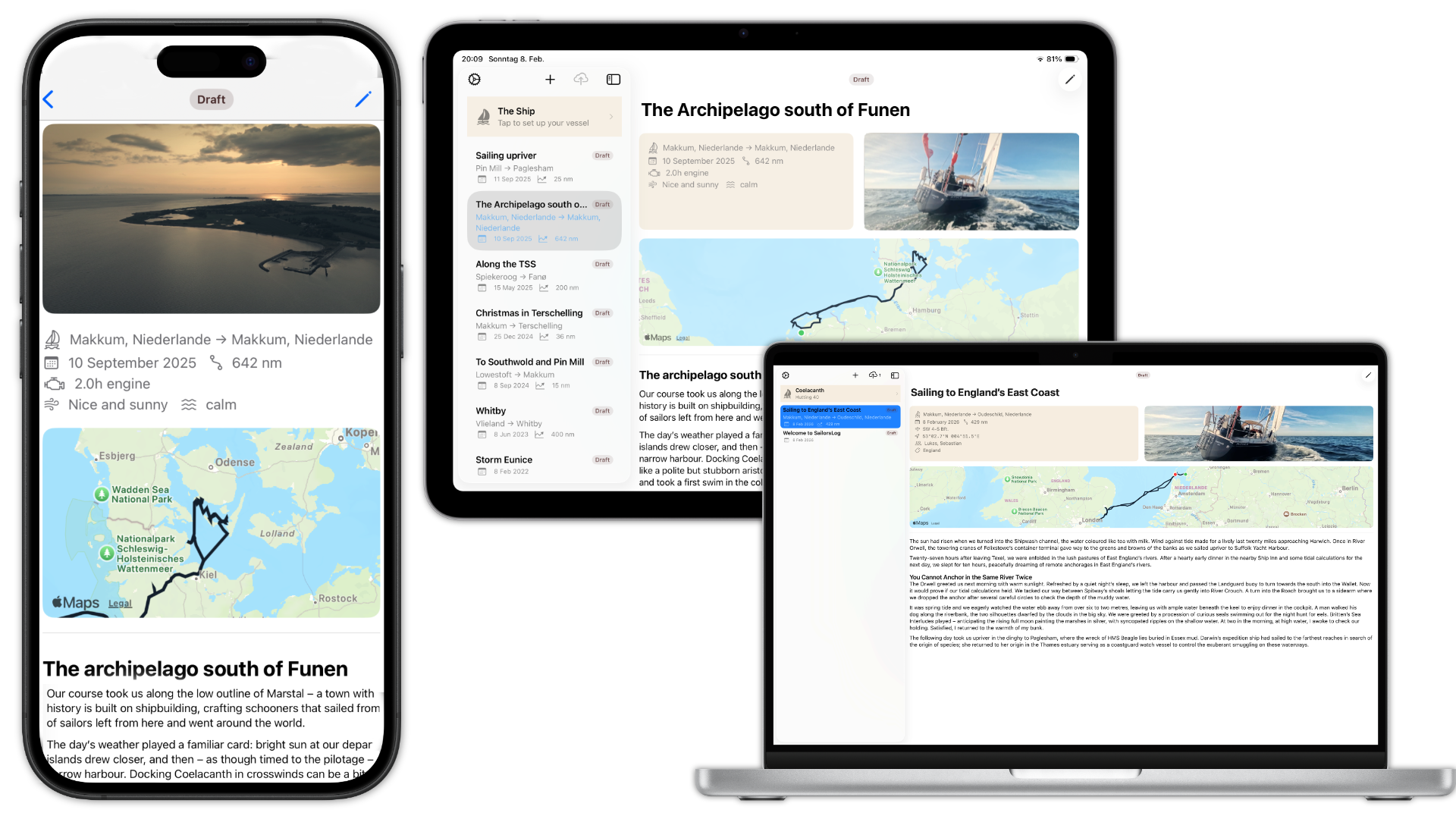
The ocean doesn’t have reliable Wi-Fi. Whether you’re routing email through a $2/MB Iridium connection, rationing Starlink data at sea, or catching fleeting bars of LTE in a remote anchorage, your logbook needs to work. Beta 20 delivers a complete rewrite of SailorsLog’s sync architecture, purpose-built for the bandwidth constraints and connectivity chaos of the real ocean.
Multi-Device Sailing Logbook Sync via iCloud
Write on iPhone, Edit on iPad — Seamlessly
Start an entry on your iPhone in the cockpit during your night watch, and seamlessly finish editing on your iPad in the salon the next morning. The new sync coordinator handles complex data flows between devices, ensuring your logbook remains consistent regardless of where edits are made.
Context-Aware Workflow:
- Write on one device, edit on another—changes propagate instantly when you regain connectivity
- No more “which device has the latest version?” confusion
- Your entire crew can maintain the logbook from their own devices (with Family Sharing)
Bidirectional Engine:
- Completely rewritten sync coordinator manages two-way data flow
- Delta sync fetches only what changed since your last sync, not the entire database
- Server change tokens ensure resumable sync across app restarts and network interruptions
Robust Conflict Handling:
- Field-level conflict resolution prevents silent data loss when two devices are edited offline
- Last-write-wins with local pending change protection
- Union merge for crew/tags arrays (preserves additions from both devices)
- The app prioritizes data safety over sync speed—no entry overwrites without your knowledge
Satellite-First Sync for Starlink and Iridium
We didn’t just optimize for slow connections—we redesigned the sync engine from the ground up for the realities of Starlink, Iridium, and weak cellular at sea.
Bandwidth Efficiency:
- Text data (entries, waypoints, weather, crew) syncs independently from media assets
- Routine synchronization consumes only a few kilobytes of data
- Perfect for Iridium GO’s 2.4 kbps connections or metered Starlink plans
Micro-Syncing:
- The app syncs text updates continuously in the background (when permitted)
- Your logbook stays current even on extremely slow connections
- No more waiting for massive downloads before seeing your other device’s updates
Decoupled Media Pipeline:
- Photos and GPX tracks are filtered from delta sync by default
- Media downloads happen on-demand or automatically on Wi-Fi (see Smart Data Mode below)
- You’ll never accidentally burn through 100 MB of satellite data downloading photos
Smart Data Mode
The app now detects your connection type automatically and adjusts its behavior to protect your bandwidth budget.
On Wi-Fi:
- High-resolution photos and GPX tracks download automatically in the background
- Full sync with all media assets for a seamless offline experience
- No user intervention required
On Cellular/Satellite:
- Heavy downloads are paused by default
- Users see “On-Demand” placeholders with clear file size estimates
- Example: “Load All Images - 12 MB” or “Download GPX Track - 45 KB”
- Full control of data usage remains in the captain’s hands
- Tap to download individual images or tracks when you have bandwidth to spare
Why This Matters:
- Starlink Maritime costs ~$250/month for 50 GB (overage charges apply)
- Iridium GO charges ~$1-2 per MB depending on your plan
- A single high-res photo can consume 2-5 MB
- Text-only sync uses 99.9% less bandwidth than full media sync
Offline-First Sailing Logbook — Write Anywhere, Sync Later
Your logbook works offline-first, always. Network status never blocks your ability to write, edit, or view entries.
Zero-Latency Interface:
- All data is persisted to CoreData immediately on your device
- No spinner, no “waiting for sync” delays
- Write entries in the middle of the Atlantic with zero connectivity—sync happens later
Self-Healing Logic:
- Fresh installs automatically establish a secure link to your private iCloud database
- Network interruptions are detected and retried with exponential backoff
- Corrupted sync tokens are cleared and re-established without data loss
- The app recovers gracefully from CloudKit throttling and rate limits
Background Sync:
- CloudKit subscriptions trigger silent push notifications when changes occur
- Your devices stay in sync without manually opening the app
- Pull-to-refresh triggers full bidirectional sync (both push and pull)
Technical Details: Satellite-First Sync
Under the hood, SailorsLog now employs a bandwidth-aware delta sync. We’ve architected the database to decouple heavy media assets from lightweight log data. On metered connections like Starlink or Iridium, the app intelligently transfers only the text metadata (mere kilobytes), deferring large photo and GPX downloads until Wi-Fi is available or you explicitly request them. This ensures your logbook stays updated across devices without consuming expensive satellite bandwidth.
To handle offline collaboration, we implemented field-level conflict resolution. Instead of a simple “last save wins” approach, we track modification timestamps for 18 individual data points within every entry. This means you can update the Engine Hours on your iPhone while your partner updates the Crew List on the iPad, and the system will mathematically merge both changes seamlessly when you reconnect, preserving every detail of your voyage.
How Sailors Use Multi-Device Sync
Multi-Device Crew Workflows:
- Skipper writes passage notes on iPhone during watch
- First mate adds photos from iPad later in the day (same iCloud account)
- Changes merge seamlessly when both devices sync
Remote Cruising:
- Update your logbook via small bandwith satellite connections, e.g. Iridium GO
- Sync over weak LTE in remote anchorages without burning through data
- Full media sync happens automatically when you reach a marina with Wi-Fi
Family Sharing:
- Up to 6 family members can use SailorsLog with one Skipper subscription
- Each member maintains their own private logbook (entries NOT shared)
- All benefit from the satellite-optimized sync engine
Download SailorsLog on the App Store and take your logbook offshore.
Fair winds and following seas ⚓️